K-Drama Streaming Issues: Ultimate Troubleshooting Guide for US Viewers
Are you a devoted K-Drama fan in the U.S., only to find your viewing experience constantly interrupted by frustrating technical glitches? You’re not alone. From endless buffering to maddening geo-restrictions and subtitle woes, K-Drama enthusiasts often encounter a myriad of issues that can turn a relaxing binge-watching session into a tech support nightmare. But don’t despair! This comprehensive guide is designed to address the most common K-Drama streaming issues and provide actionable solutions that will help you get back to enjoying your favorite shows seamlessly. Our goal is to equip you with the knowledge to solve 90% of the problems you might face, making your K-Drama viewing experience as smooth and enjoyable as possible. We will delve into network problems, platform-specific bugs, device compatibility, and even the often-tricky world of geo-blocking. Get ready to troubleshoot like a pro and immerse yourself fully in the captivating world of Korean dramas.
Understanding the Landscape of K-Drama Streaming in the U.S.
Before diving into specific solutions for K-Drama streaming issues, it’s crucial to understand the unique landscape of K-Drama distribution in the United States. Unlike domestic programming, K-Dramas often come with their own set of challenges related to licensing, regional availability, and translation. Major streaming platforms like Netflix, Viki, and Kocowa are the primary hubs for K-Drama content, each with its own library and user experience. However, even with these dedicated platforms, viewers can encounter hurdles.
The Rise of K-Drama Popularity and Its Streaming Demands
The global phenomenon of K-Dramas has seen an explosive rise in popularity in the U.S. over the past decade. What started as a niche interest has blossomed into a mainstream cultural force, captivating millions with compelling storylines, high production values, and charismatic actors. This surge in demand has naturally put a strain on streaming infrastructure and highlighted the need for robust solutions to common K-Drama streaming issues. Viewers expect high-definition quality, reliable playback, and accurate, timely subtitles, all of which can be compromised by various technical factors.
Common K-Drama Streaming Platforms and Their Quirks
- Netflix: Offers a growing selection of K-Dramas, including many Netflix Originals. Generally known for stable streaming, but content availability varies by region due to licensing agreements.
- Viki: A fan-favorite, Viki specializes in Asian dramas and variety shows. It boasts a vast library, often with multiple subtitle options, and a strong community aspect. However, it can sometimes be prone to buffering or technical glitches, especially during peak hours.
- Kocowa: Focuses specifically on Korean content, often providing shows shortly after their original broadcast in Korea. It’s a great source for current dramas and variety shows but may have fewer features or be less optimized than larger platforms.
- Hulu/Amazon Prime Video: These platforms also host a selection of K-Dramas, though their libraries might be less extensive or updated less frequently compared to dedicated K-Drama services.
Each of these platforms, while offering incredible access to K-Dramas, can also be the source of specific K-Drama streaming issues. Understanding their individual characteristics is the first step toward effective troubleshooting.
Diagnosing and Resolving Buffering and Playback Issues
Buffering is arguably the most common and frustrating of all K-Drama streaming issues. Nothing disrupts the emotional arc of a dramatic scene quite like a spinning loading icon. Let’s break down how to diagnose and resolve these playback nuisances.
Internet Connection: The Primary Culprit
A slow or unstable internet connection is the leading cause of buffering. High-quality video streaming, especially in HD or 4K, requires significant bandwidth. To effectively tackle K-Drama streaming issues related to your internet, consider the following:
- Speed Test: Use online tools (e.g., Speedtest.net) to check your internet speed. For HD streaming, generally, you need at least 5-8 Mbps. For 4K, aim for 25 Mbps or higher. If your speed is consistently below these thresholds, contact your Internet Service Provider (ISP).
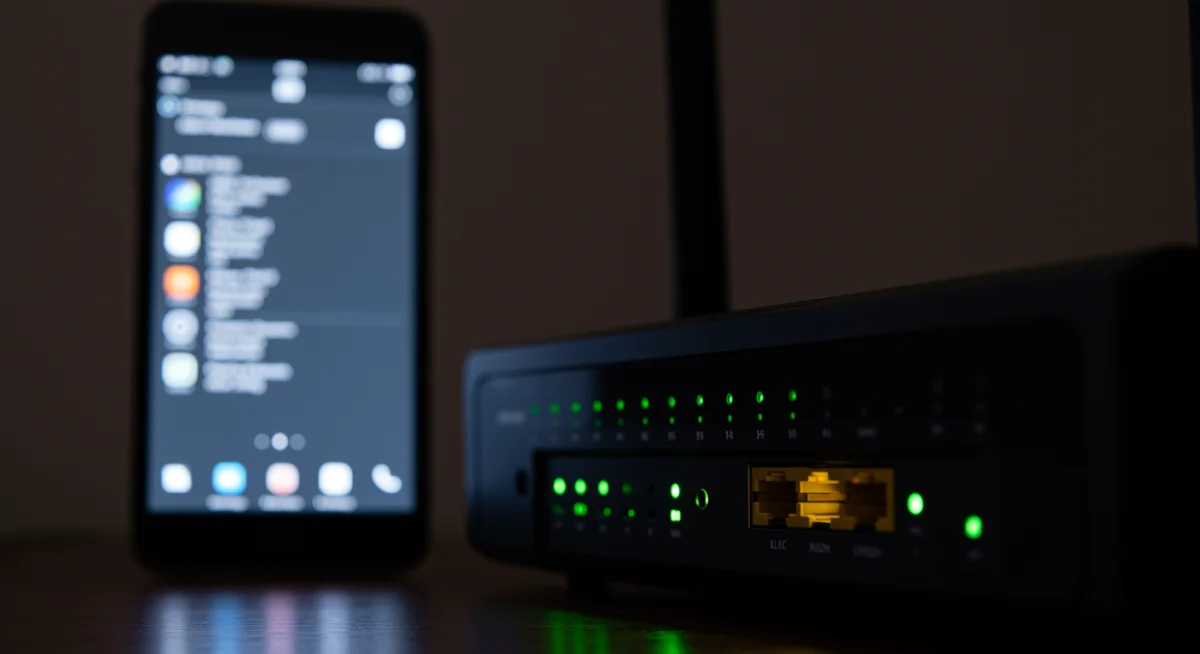
- Router Placement: Your Wi-Fi router’s location can significantly impact signal strength. Place it centrally, away from obstructions and other electronics that might cause interference.
- Restart Router/Modem: A classic IT solution, but effective. Unplug your router and modem for 30 seconds, then plug them back in. This can clear up temporary network glitches.
- Ethernet Connection: If possible, connect your streaming device directly to your router with an Ethernet cable. This provides a more stable and faster connection than Wi-Fi, often eliminating buffering altogether.
- Reduce Network Congestion: Are multiple devices on your network simultaneously streaming, gaming, or downloading large files? This can hog bandwidth. Try pausing or limiting other internet activities during your K-Drama viewing.
Device and Browser Performance
Sometimes, the issue isn’t your internet but your device or browser struggling to keep up with the demands of streaming. Addressing these K-Drama streaming issues requires a slightly different approach:
- Close Unnecessary Apps/Tabs: Too many open applications or browser tabs can consume significant RAM and CPU, slowing down your device. Close anything you’re not actively using.
- Clear Browser Cache and Cookies: Over time, accumulated cache and cookies can hinder browser performance. Regularly clearing them can resolve playback issues.
- Update Browser/App: Ensure your web browser (Chrome, Firefox, Edge, Safari) or the dedicated streaming app (Viki, Netflix) is updated to its latest version. Developers frequently release updates that include performance improvements and bug fixes.
- Restart Device: A simple restart of your computer, smart TV, or streaming stick can clear temporary glitches and free up system resources.
- Check Device Age/Specs: Older devices or those with lower specifications might struggle with high-definition video. If you’re consistently facing issues, consider upgrading your streaming device.
Overcoming Geo-Restrictions and Content Availability
One of the most frustrating K-Drama streaming issues for U.S. viewers is encountering content that’s “not available in your region.” This is due to licensing agreements that dictate where content can be legally streamed. While these restrictions are in place for valid business reasons, there are legitimate ways to navigate them.
Understanding Geo-Blocking
Streaming services use your IP address to determine your geographical location. If the content you want to watch isn’t licensed for streaming in the U.S., the service will block access. This is a common source of K-Drama streaming issues, especially for shows exclusive to certain regional platforms.
The Role of VPNs (Virtual Private Networks)
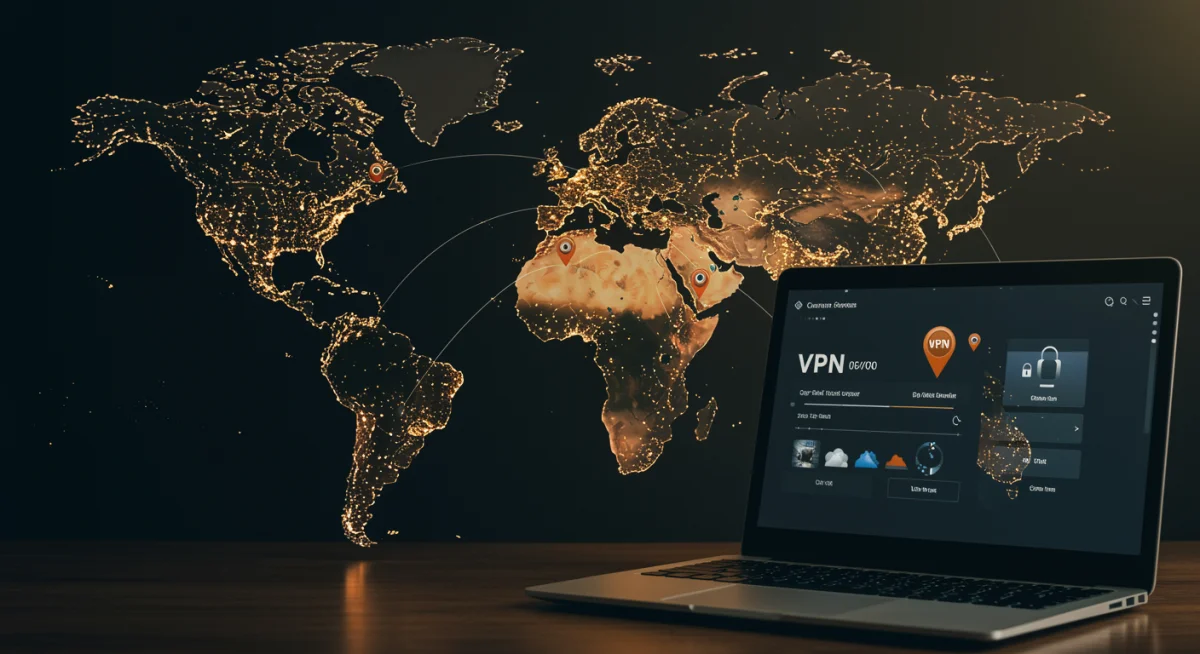
A Virtual Private Network (VPN) can help you bypass geo-restrictions by routing your internet traffic through a server in a different country. This makes it appear as if you are browsing from that chosen location, potentially unlocking K-Drama content unavailable in the U.S. When choosing a VPN for K-Drama streaming solutions, consider:
- Reputation and Reliability: Opt for reputable VPN providers known for their strong encryption, no-logs policy, and consistent performance.
- Server Locations: Ensure the VPN has servers in countries where the K-Drama content you want to watch is available (e.g., South Korea for Kocowa, or other regions for Netflix libraries).
- Speed: A good VPN should offer fast connection speeds to avoid buffering. Look for VPNs optimized for streaming.
- Compatibility: Check if the VPN works on your preferred streaming devices (computer, smartphone, smart TV, router).
- Cost: While free VPNs exist, they often come with limitations on speed, data, or server locations, and may not be as secure. Paid VPNs usually offer a much better experience for K-Drama streaming issues related to geo-blocking.
Important Note: While VPNs are legal in most countries, using them to bypass streaming service terms of service can sometimes lead to account suspensions. Always use a VPN responsibly and be aware of the terms of service for your chosen streaming platform.
Smart DNS Services
Smart DNS services offer an alternative to VPNs for bypassing geo-restrictions. They work by redirecting specific parts of your internet traffic that reveal your location, without encrypting your entire connection. This can sometimes result in faster speeds than VPNs but offers less privacy and security. Smart DNS is often a good solution if your primary concern is just unlocking content and not privacy for K-Drama streaming issues.
Subtitle Synchronization and Language Issues
For non-Korean speakers, accurate and synchronized subtitles are absolutely essential for enjoying K-Dramas. When subtitles are out of sync, missing, or poorly translated, it becomes a major K-Drama streaming issue that can ruin the viewing experience.
Common Subtitle Problems
- Out-of-Sync Subtitles: The text appears too early or too late, making it difficult to follow the dialogue.
- Missing Subtitles: Entire lines or scenes lack translation.
- Poor Quality Translations: Subtitles that are grammatically incorrect, contain typos, or don’t accurately convey the original meaning.
- Incorrect Language: Subtitles appearing in a language other than your preferred one.
Solutions for Subtitle K-Drama Streaming Issues
- Check In-App Settings: Most streaming platforms have dedicated subtitle settings. Look for options to adjust subtitle delay, change font size/color, or select a different language track. On Viki, for instance, you can often choose between different fan-translated subtitle versions.
- Refresh the Page/App: Sometimes a simple refresh can resolve temporary synchronization glitches.
- Clear Cache: As with buffering, clearing your browser or app cache can fix subtitle display issues.
- Report the Issue: If you consistently encounter poor quality or missing subtitles, especially on platforms like Viki that rely on volunteer translators, report the issue to the platform. Your feedback helps them improve the quality.
- Try a Different Device: Occasionally, subtitle rendering issues can be device-specific. If you’re watching on a smart TV, try switching to a computer or tablet to see if the problem persists.
- Check Community Forums: For platforms like Viki, community forums can be a great resource. Other users might have already discussed similar subtitle K-Drama streaming issues and found workarounds.
Device Compatibility and App-Specific Problems
The vast ecosystem of streaming devices – from smart TVs and streaming sticks to computers and mobile phones – means that K-Drama streaming issues can sometimes stem from device-specific quirks or app malfunctions.
Smart TVs and Streaming Sticks (Roku, Fire TV, Apple TV, Chromecast)
These devices are convenient but can sometimes present unique challenges:
- App Updates: Ensure the streaming app (Netflix, Viki, Kocowa) on your smart TV or streaming stick is up to date. Outdated apps can cause performance issues or compatibility problems.
- Firmware Updates: Check for and install any available firmware updates for your smart TV or streaming device. Manufacturers release these to improve performance and fix bugs.
- Power Cycle Device: Unplug your smart TV or streaming stick from power for a minute, then plug it back in. This is akin to restarting a computer and can resolve many temporary glitches.
- Insufficient Storage: Some smart TVs or streaming sticks have limited storage. If the device is full, it might struggle to run streaming apps efficiently. Clear unnecessary apps or data if possible.
- Network Settings: Double-check the Wi-Fi settings on your smart TV or streaming stick. Ensure it’s connected to the correct network and experiencing good signal strength.
Computers and Web Browsers
When streaming on a computer, browser-related K-Drama streaming issues are common:
- Browser Choice: While most modern browsers support streaming, some might perform better than others. If you’re having issues with Chrome, try Firefox or Edge, and vice versa.
- Hardware Acceleration: In your browser settings, look for an option called ‘Hardware Acceleration.’ Sometimes enabling it helps with video playback, while other times disabling it can resolve issues, especially on older graphics cards. Experiment with this setting.
- Browser Extensions: Certain browser extensions (ad blockers, privacy tools) can interfere with streaming websites. Try temporarily disabling your extensions to see if the problem resolves. If it does, you can then enable them one by one to identify the culprit.
- Flash/DRM Issues: While less common now, some older content or platforms might still rely on Flash or specific Digital Rights Management (DRM) plugins. Ensure these are up-to-date and enabled if required.
Mobile Devices (Smartphones and Tablets)
Mobile K-Drama streaming issues often mirror computer problems but with added considerations:
- App Version: Always ensure your streaming app is the latest version from your device’s app store.
- Operating System: Keep your phone or tablet’s operating system (iOS or Android) updated.
- Background Apps: Close other apps running in the background that might be consuming resources or data.
- Data vs. Wi-Fi: If streaming on mobile data, ensure you have a strong signal and sufficient data allowance. Wi-Fi is generally preferred for stable K-Drama streaming.
- Device Overheating: Extended streaming sessions, especially with high-resolution video, can cause mobile devices to overheat, leading to performance throttling. Give your device a break if it feels hot.
Advanced Troubleshooting and When to Seek Help
While most K-Drama streaming issues can be resolved with the basic and intermediate steps outlined above, sometimes you might encounter more persistent problems. This section covers advanced troubleshooting and advises on when to escalate your concerns.
DNS Settings
Your Domain Name System (DNS) server translates website names into IP addresses. Sometimes, using a public DNS server like Google DNS (8.8.8.8 and 8.8.4.4) or Cloudflare (1.1.1.1 and 1.0.0.1) can improve streaming performance and resolve certain connectivity issues. Changing your DNS settings is usually done on your router or individual device and can be a powerful K-Drama streaming solution for some users.
Firewall and Antivirus Interference
Security software, while essential, can sometimes mistakenly block legitimate streaming traffic. If you’ve tried everything else and are still facing K-Drama streaming issues, temporarily disable your firewall or antivirus software to see if it resolves the problem. If it does, you’ll need to add an exception for your streaming platform or browser in your security software’s settings.
ISP Throttling
In rare cases, your Internet Service Provider (ISP) might be intentionally slowing down (throttling) your streaming traffic. This is harder to diagnose and prove, but if you notice consistent slowdowns specifically during streaming, especially during peak hours, and your speed tests are otherwise fine, it might be a possibility. A VPN can sometimes help bypass ISP throttling, as it encrypts your traffic, making it harder for the ISP to identify and throttle streaming data.
Contacting Customer Support
If you’ve exhausted all troubleshooting options and are still experiencing K-Drama streaming issues, it’s time to contact the customer support of the streaming platform (Netflix, Viki, Kocowa) or your ISP. Be prepared to provide them with detailed information, including:
- The specific K-Drama you’re trying to watch.
- The exact error message you’re receiving (if any).
- The device you’re using.
- The steps you’ve already taken to troubleshoot.
- Your internet speed test results.
The more information you provide, the better they can assist you in finding K-Drama streaming solutions.
Preventative Measures for a Smooth K-Drama Experience
An ounce of prevention is worth a pound of cure, especially when it comes to K-Drama streaming issues. By adopting a few good habits, you can significantly reduce the likelihood of encountering problems in the first place.
Regular Maintenance is Key
- Keep Software Updated: Regularly update your streaming apps, web browsers, operating systems, and device firmware. These updates often include performance enhancements and bug fixes.
- Clear Cache Periodically: Make it a habit to clear your browser’s cache and cookies, or the cache for your streaming apps. This prevents accumulated data from slowing things down.
- Monitor Internet Speed: Occasionally run an internet speed test to ensure you’re getting the speeds you pay for.
- Optimize Your Wi-Fi: Ensure your router is optimally placed and consider using a Wi-Fi analyzer app to identify and switch to less congested channels.
Choose Your Streaming Environment Wisely
- Wired Connection When Possible: For critical viewing, use an Ethernet cable if your device supports it.
- Minimize Network Usage: Avoid heavy downloading or other bandwidth-intensive activities on your network while streaming.
- Consider Premium Subscriptions: While free tiers are available on some platforms, premium subscriptions often offer ad-free viewing, higher quality streams, and better customer support, which can reduce K-Drama streaming issues.
Stay Informed
- Follow Streaming Platform News: Keep an eye on social media or news outlets for your favorite streaming platforms. They often announce planned maintenance or known issues that might affect your viewing.
- Join K-Drama Communities: Online forums and social media groups dedicated to K-Dramas can be a great place to ask questions and find out if others are experiencing similar K-Drama streaming issues.
Conclusion: Unleashing Your Inner K-Drama Pro
Navigating the world of K-Drama streaming in the U.S. doesn’t have to be a battle against technology. By understanding the common K-Drama streaming issues and equipping yourself with the troubleshooting steps outlined in this guide, you can overcome most obstacles and enjoy your favorite shows without interruption. From optimizing your internet connection and device performance to cleverly bypassing geo-restrictions with a VPN and ensuring crisp, synchronized subtitles, you now have a powerful arsenal of K-Drama streaming solutions at your disposal.
Remember, a smooth streaming experience is a combination of good internet, updated devices, and smart usage habits. Don’t let buffering or geo-blocks stand between you and the next heart-fluttering romance, gripping thriller, or hilarious comedy. With these tips, you’re not just a K-Drama fan; you’re a K-Drama streaming pro, ready to dive into every episode with confidence and clarity. Happy streaming!